Search The Knowledge Base
Asset Check-in & Check-out Reports
Overview
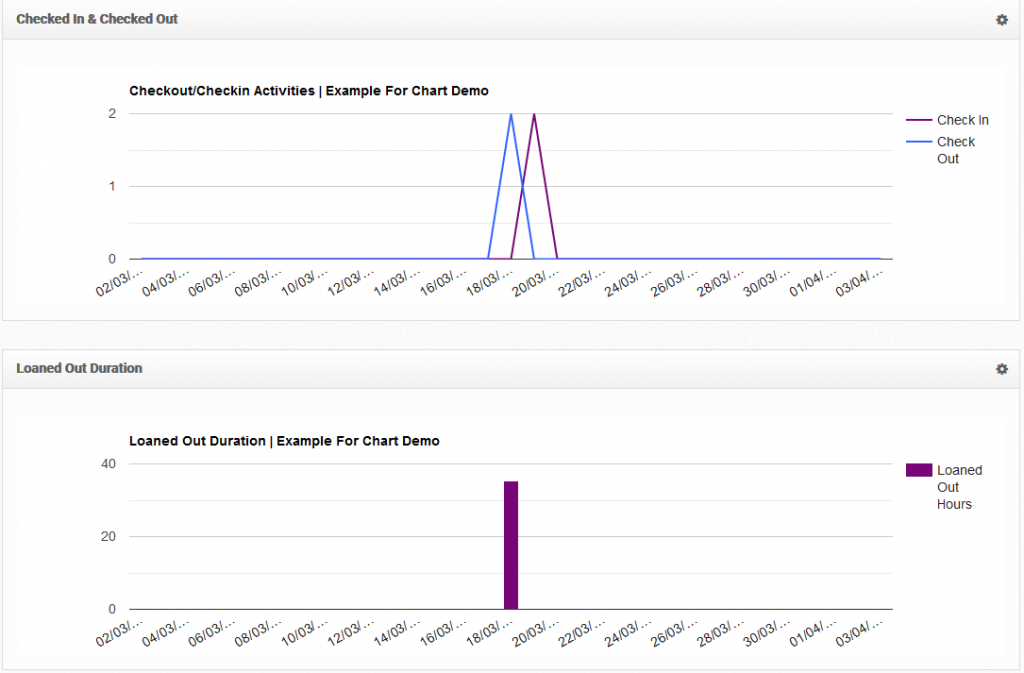
Asset Check-in & Check-out Report shows the trends of the checked in and checked out assets, and the average loaned out hours.
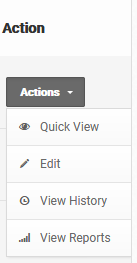
To view the reports, go to Reports > Assets Reports, or from the respective table, go to Actions > View Reports.
Examples
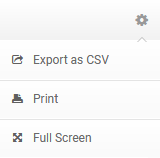
Reports can be exported by going to the options section.